← Exit
Module 5 · Onsite Vehicle Safety0% complete · 20 slides left
Warehouse Safety
Warehouse Safety
Module 5
This course contains audio. Use headphones in public places.
Introduction
Introduction

If vehicles such as forklift trucks or delivery lorries are used at your warehouse, you must manage them carefully. That means keeping vehicles and people apart, making sure vehicles are driven correctly, and preventing falls from vehicles.

In this module you will learn about:

  • Keeping pedestrians safe, and managing visiting drivers.
  • Traffic routes, signs and reversing.
  • Loading, dock levellers, driveaways and coupling.
  • Falls from vehicles, and tail lifts.
  • Safe driving, parking, inspection and maintenance.
Pedestrians and Vehicles

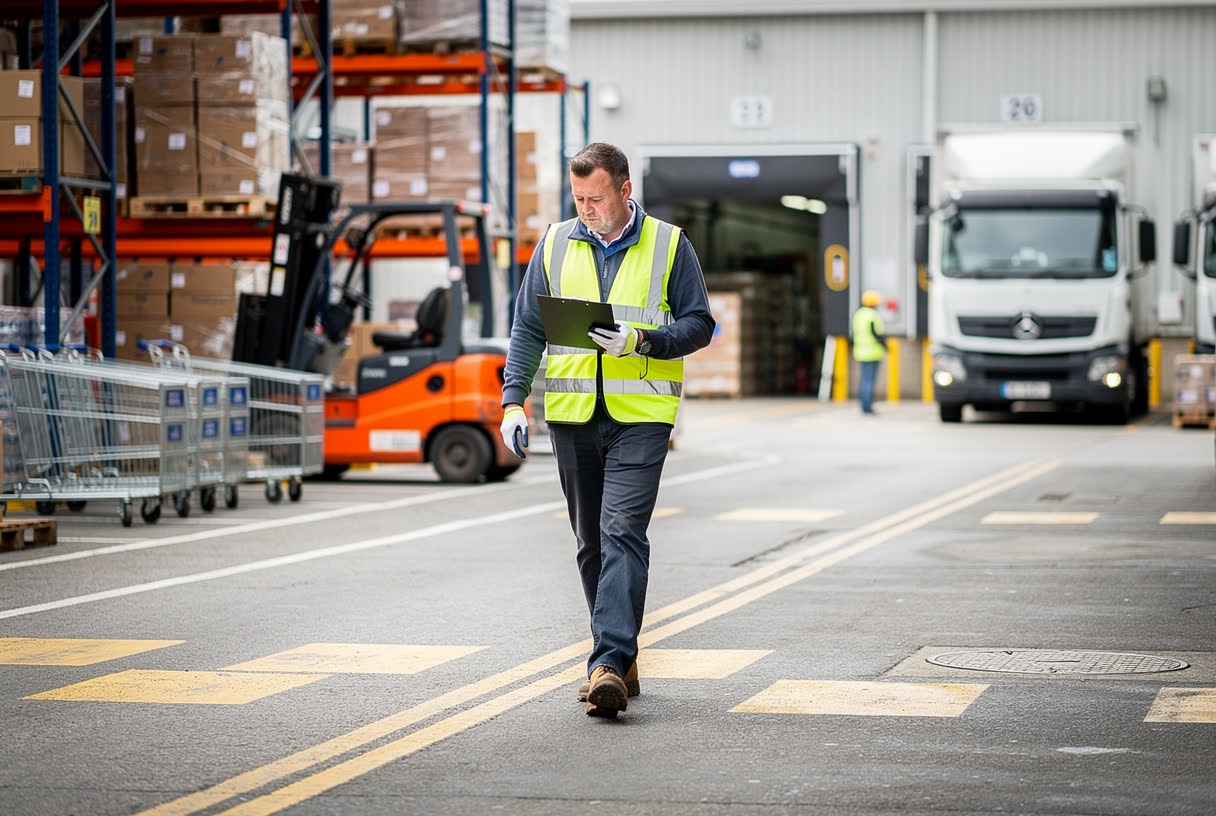
Your risk assessment must identify every place where people on foot could come into contact with moving vehicles. Consider which areas are busiest, at what times, and how many people are there.

Pay particular attention to slow-moving and reversing vehicles. They can be just as dangerous as faster ones.

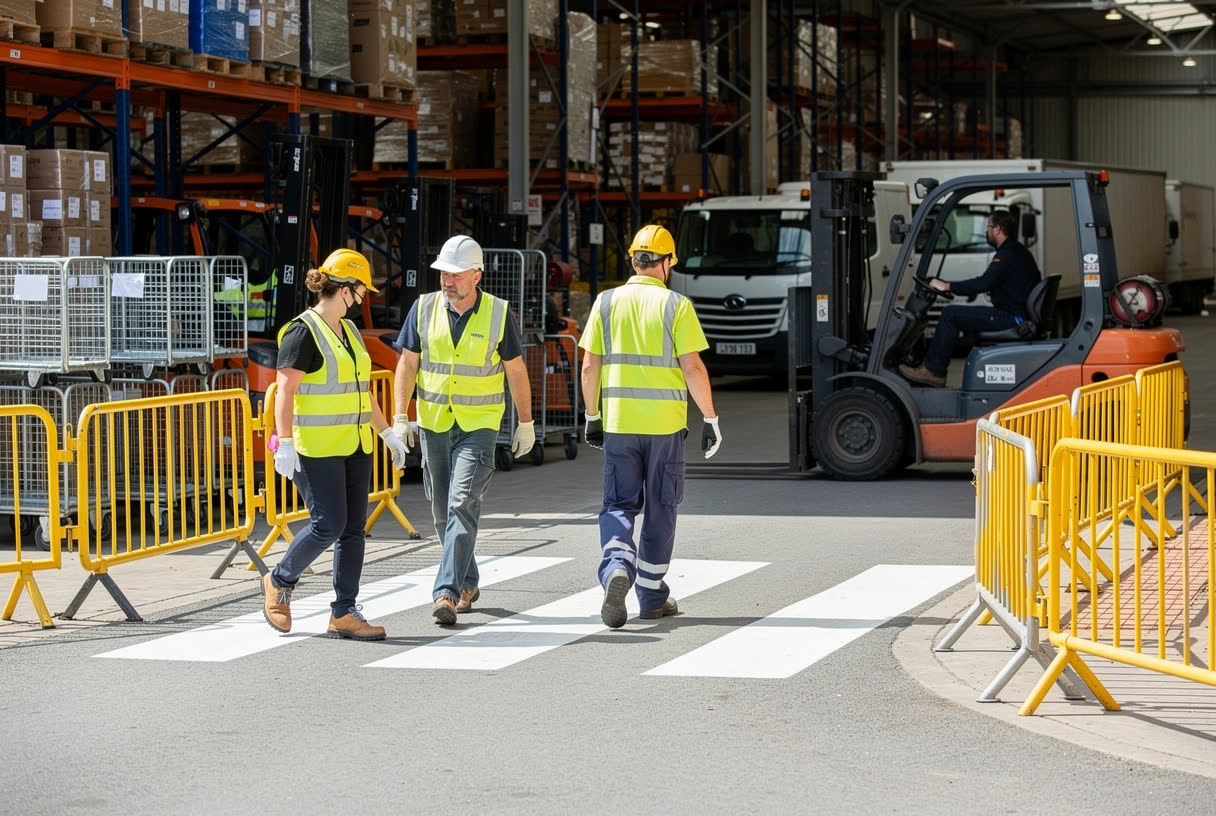
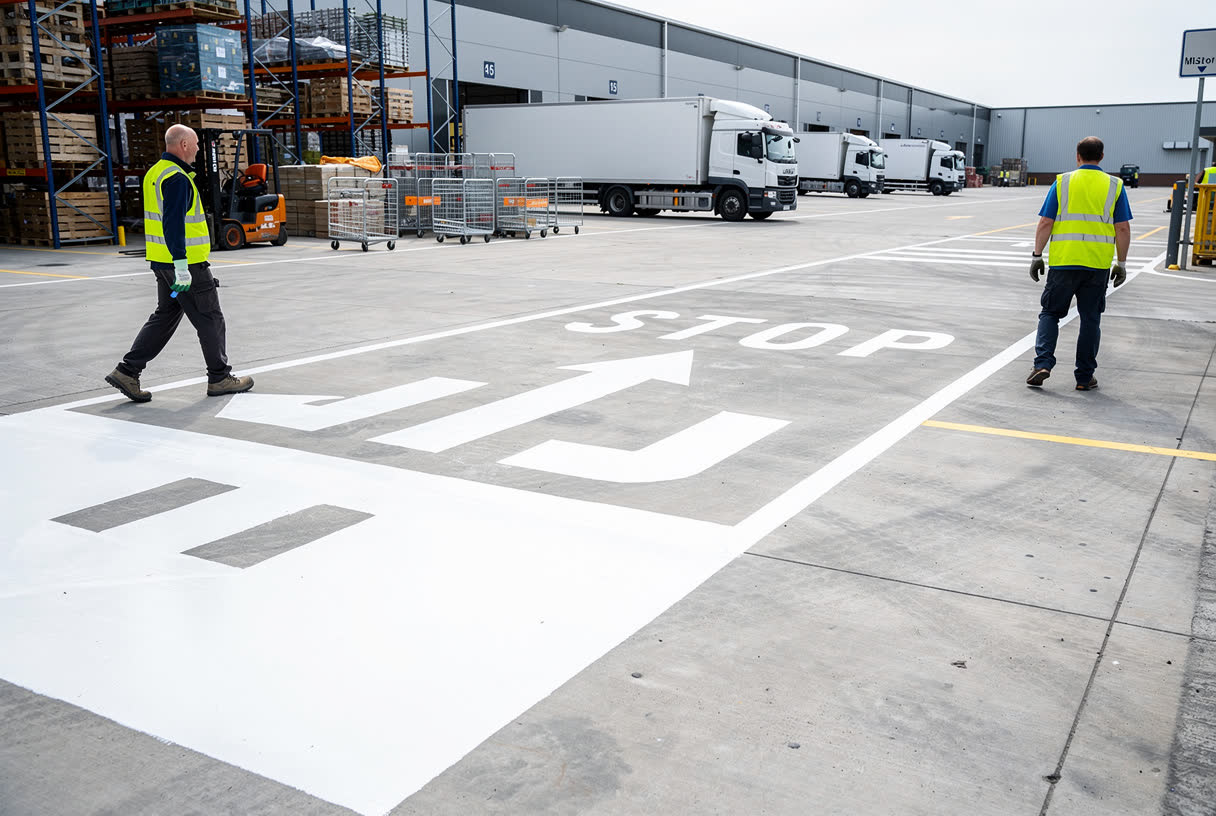
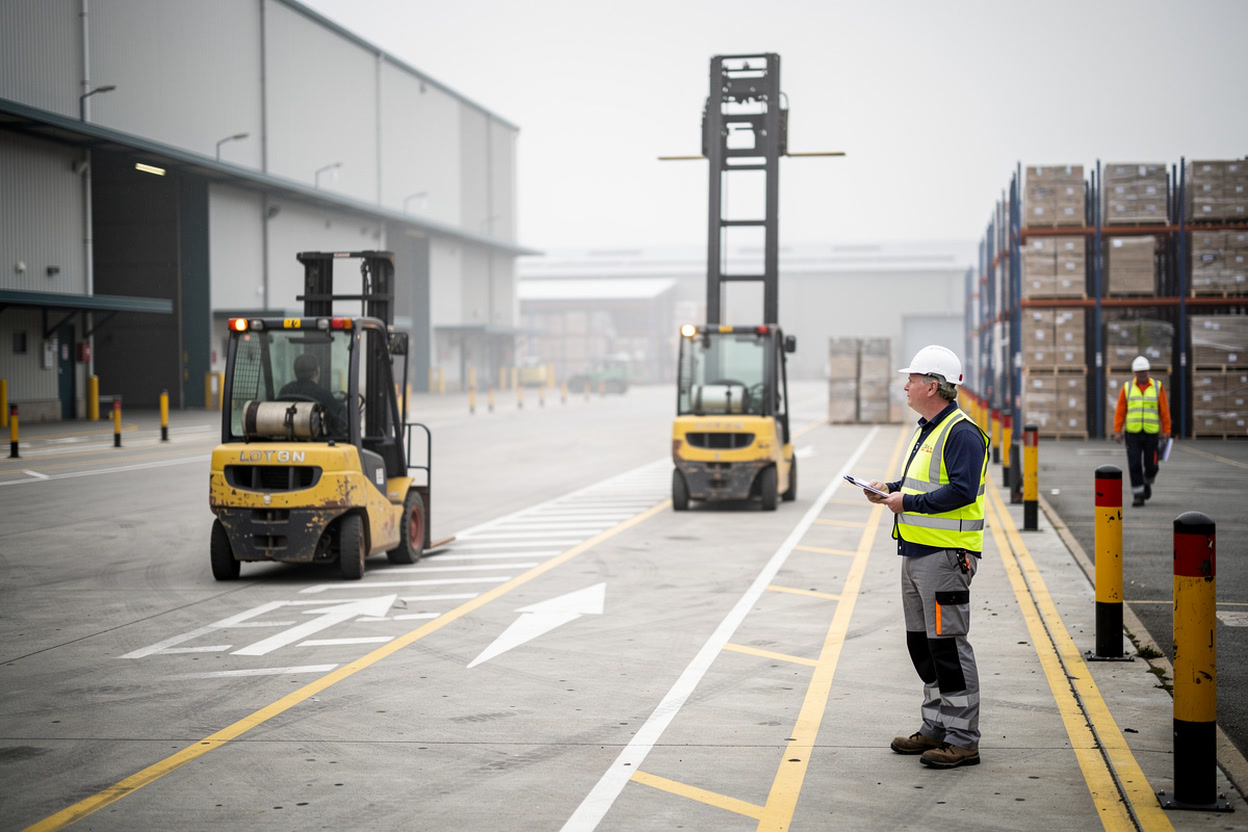
Where vehicles and pedestrians have to share a route, keep them as far apart as possible. For example, physical barriers between side-by-side routes stop vehicles and people from straying into each other’s space.

Keeping Pedestrians Safe

Ways to keep pedestrians safe include:

  • Pedestrian-only areas, and separate pedestrian entrances.
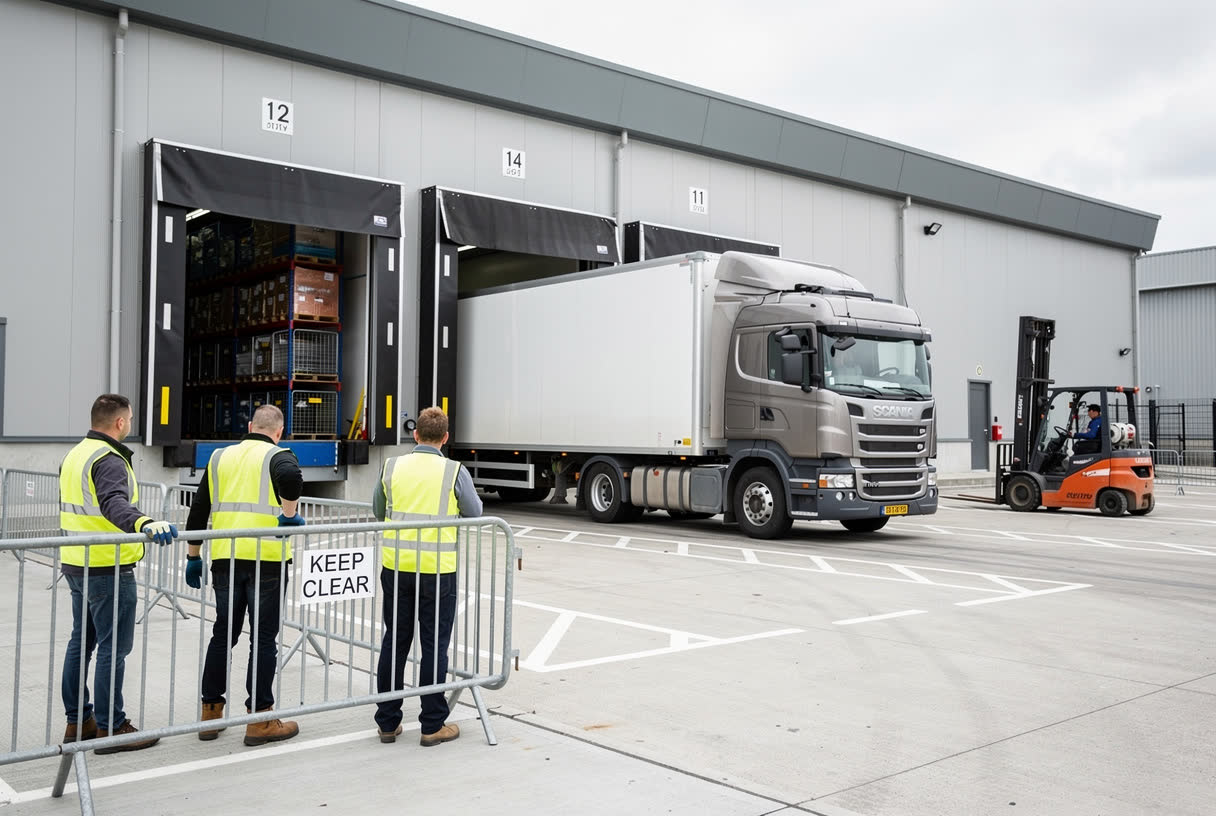
  • Barriers or kerbs between vehicle and pedestrian routes.
  • Clearly marked walkways, with designated crossing points.
  • Traffic lights and warning signs.
  • Hi-vis clothing for staff and visitors.

Keep anyone who does not need to be there out of areas where vehicles are working, including during loading. Drivers must understand the dangers their vehicles pose, and how to get out of their vehicle and manoeuvre safely when people are nearby.

Visiting Drivers
Visiting Drivers

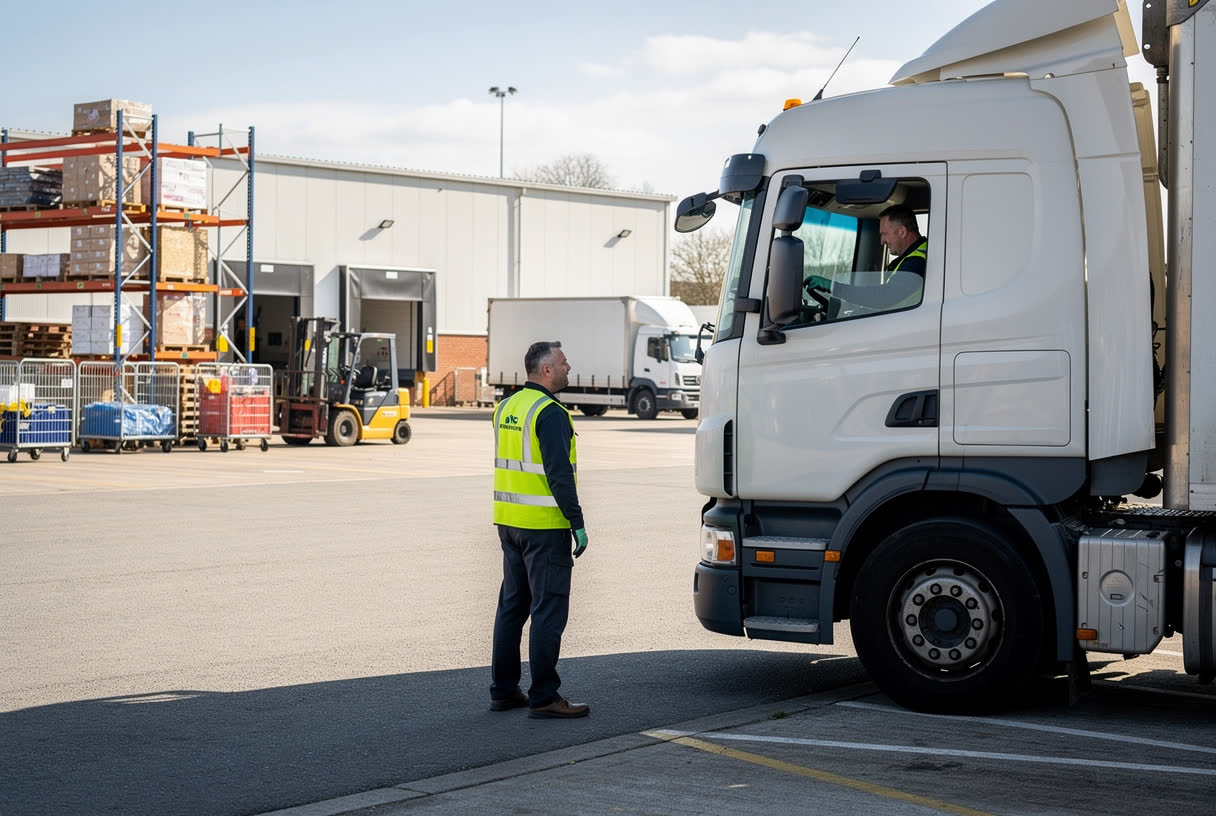
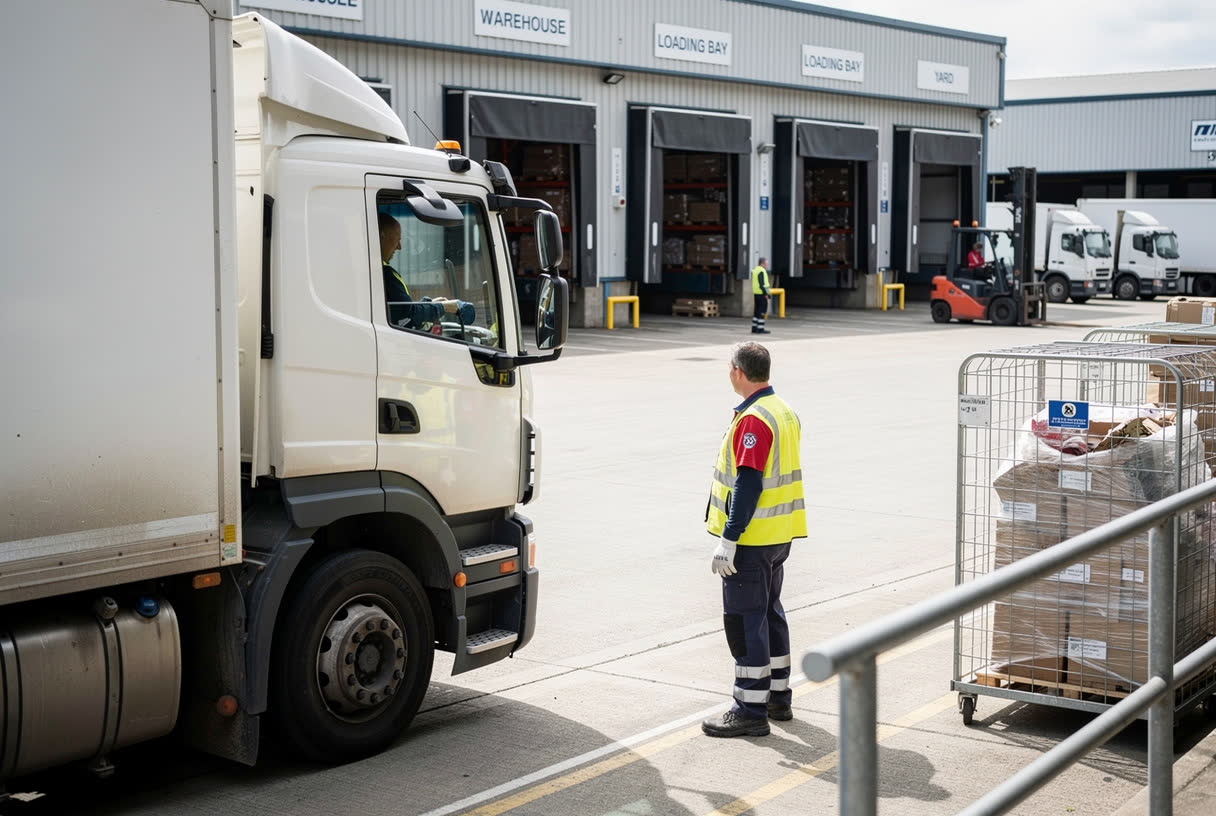
Your warehouse is likely to receive visiting drivers every day, from suppliers, hauliers and customers. The person in control of the site, usually the employer, has a legal duty to keep everyone safe, including visiting drivers. Drivers are responsible for moving their own vehicles, but everyone is responsible for safety once the vehicle stops.

Before they arrive, give drivers the site safety information they need: directions and route hazards, vehicle restrictions, required PPE, who to report to, and what to do in an emergency.

Communicating with Drivers

Not every visiting driver will have English as their first language, and some may find written English difficult. Give safety information in a form they can understand, such as their own language, plain English or pictures.

Drivers from abroad may have left-hand drive vehicles, with different blind spots, and may not know UK road signs or speed limits.

Make sure every driver knows the visual signals used on site, and can communicate with your staff once they arrive.

Traffic Routes
Traffic Routes

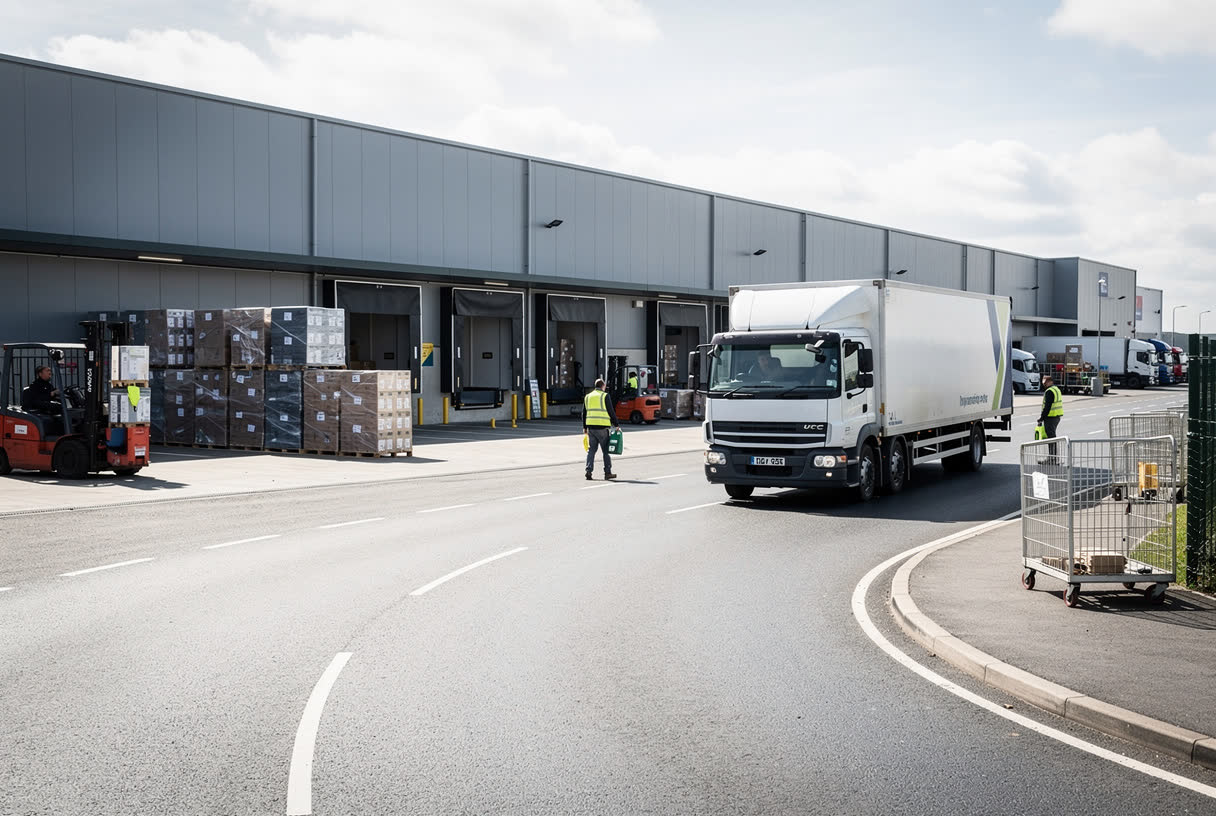
All traffic routes should:

  • Be wide enough for the largest vehicle that uses them, including visiting vehicles.
  • Allow for vehicle height, including when a tipper body is raised.
  • Take the safest route between places.
  • Have firm, even, well-drained surfaces, suited to the traffic.
  • Avoid steep slopes and sharp or blind bends, or be clearly signed where these cannot be avoided.
  • Be well lit, so drivers and pedestrians can see each other.
Traffic Signs
Traffic Signs

Warning and direction signs must be clear, clean, unambiguous and sufficient in number. Everyone on site must understand them, so train staff in what each sign means.

Lanes, route edges, junction priorities, stop lines, crossings and driver instructions must be clearly marked, and visible from every type of vehicle, as cab heights vary.

Wherever possible, use the same signs as on public roads, as set out in the Highway Code and the Traffic Signs Regulations and General Directions 2016.

Reversing Vehicles
Reversing Vehicles

The Health and Safety Executive, or HSE, estimates that nearly a quarter of all deaths involving vehicles at work happen while a vehicle is reversing. In a warehouse, people and vehicles often work close together, so the risk must be controlled.

To reduce the risk:

  • Remove the need to reverse where you can, for example with a one-way system.
  • Set up clearly marked reversing areas.
  • Keep pedestrians away from reversing areas, especially in drivers’ blind spots.
  • Restrict the size of vehicles allowed to reverse on site, if necessary.
Reversing Aids and Signallers

Where reversing cannot be avoided, and people cannot be kept away, use reversing aids, such as:

  • Rear-view cameras, and closed-circuit television, to improve the driver’s view.
  • Sensors that detect people and objects behind the vehicle.
  • Reversing alarms.
  • Pedestrian marshals to keep people away.

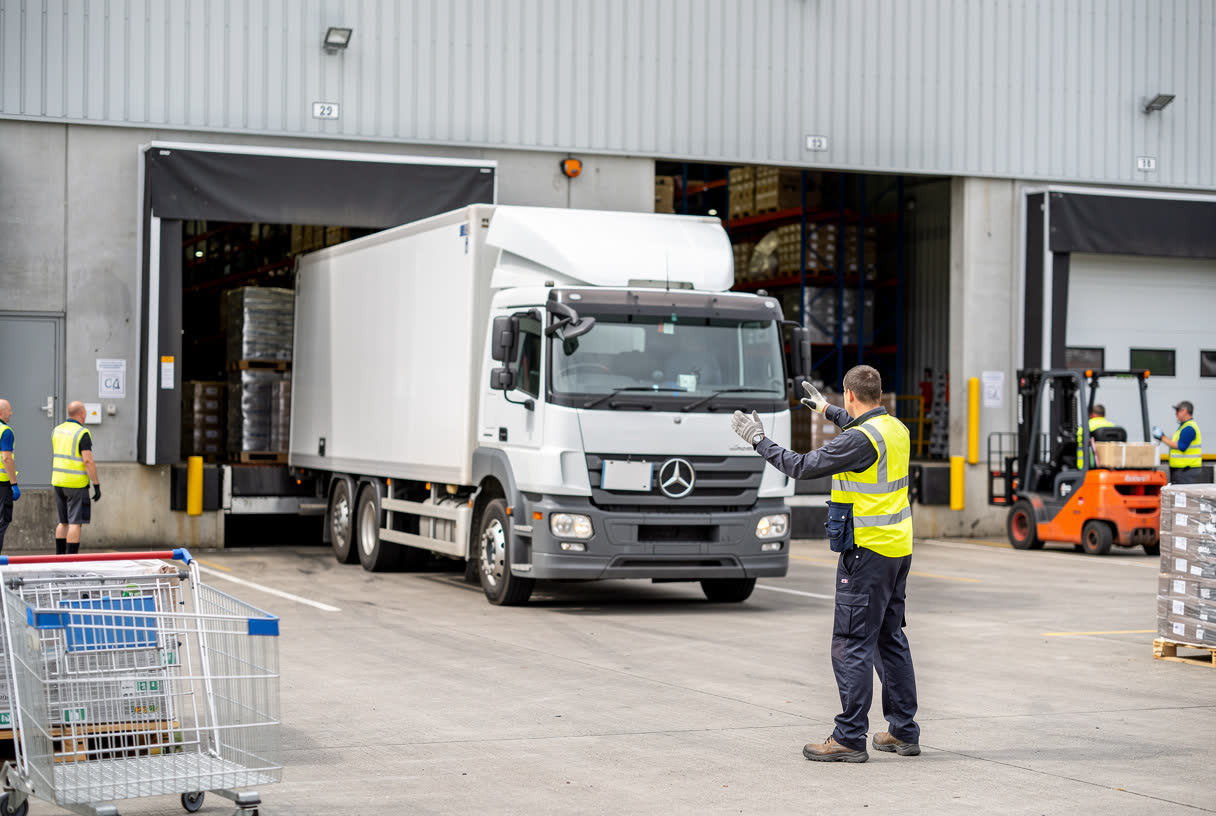
Many sites use a signaller, also called a banksman. This is not the preferred option, because it puts the signaller at risk. If you use one, make sure they are trained, understand the dangers, and stay visible to the driver at all times.

Loading Vehicles
Loading Vehicles

Loading and unloading are daily tasks, but they must be done with care:

  • Never load a vehicle beyond its capacity.
  • Check the vehicle is stable, in good condition, and on level ground.
  • Spread the load evenly.
  • When loading from one side, make sure the far side is secure, so pallets cannot be pushed off.
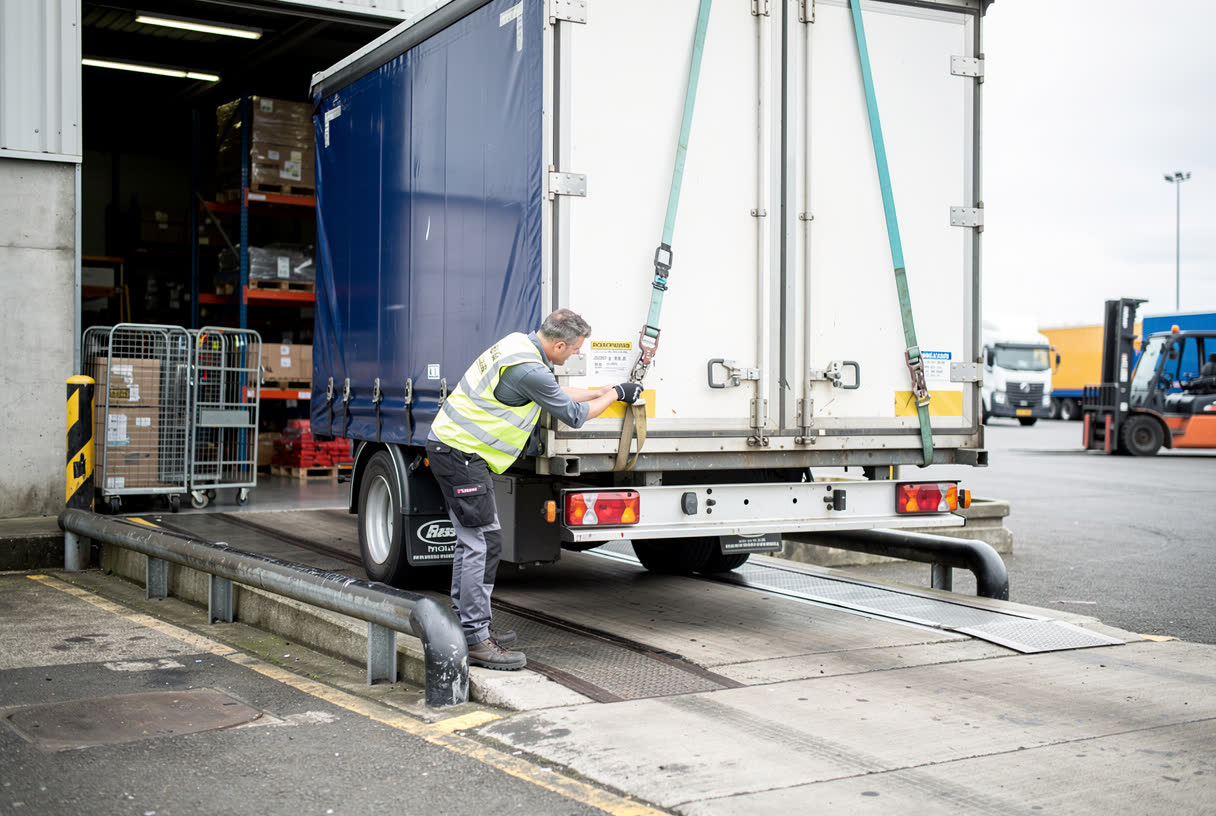
  • Secure the load, so it cannot tip or slide in transit.
  • Before unloading, check that the load has not shifted, and that undoing straps will not let anything fall.
  • The driver should tell the unloaders about the load and any dangers.
Dock Levellers
Dock Levellers

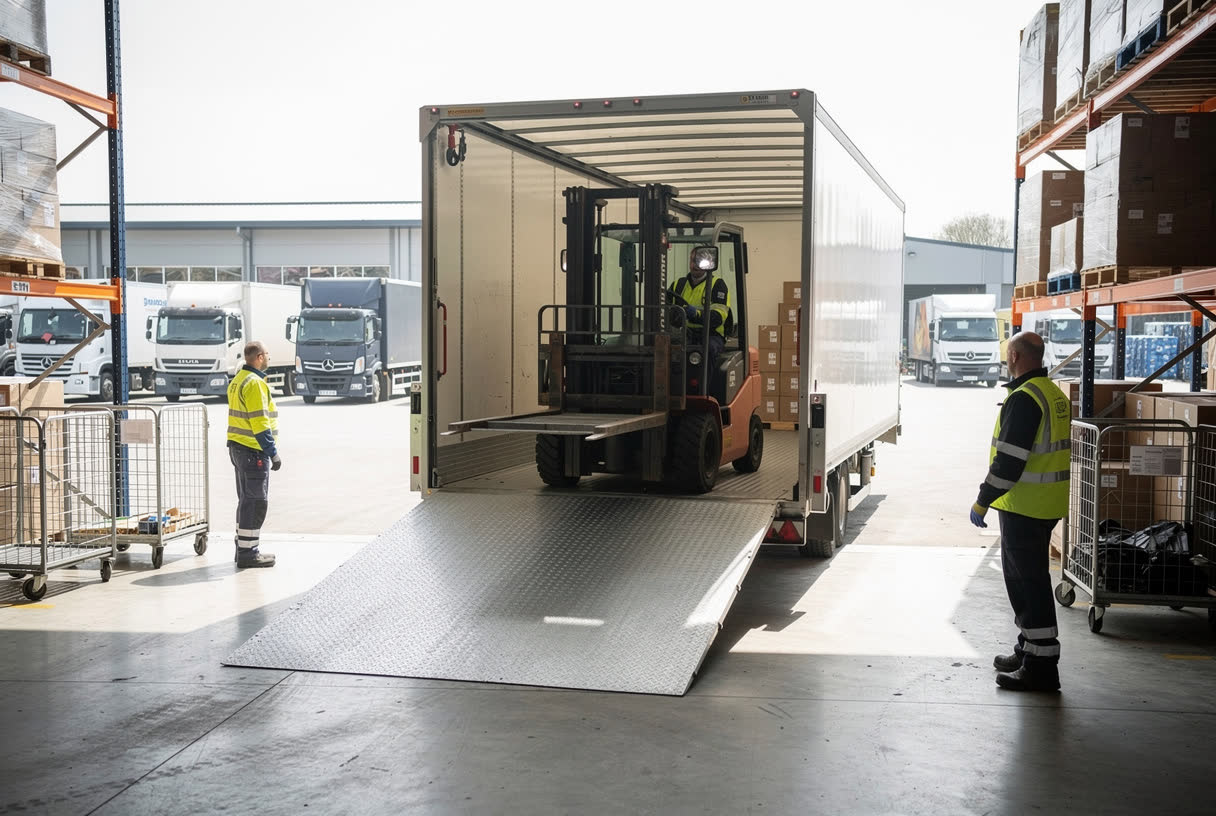
A dock leveller is a device that bridges the gap, and makes up the difference in height, between a loading bay and a vehicle.

The main hazards are people getting trapped, and people or loads falling from the platform. To control the risks:

  • Fit toe guards, so feet cannot be trapped under the platform.
  • Enclose trapping points below the platform with skirts or plates.
  • Fit a device that stops the platform falling in an emergency.
  • Lock the platform in the raised position during maintenance.
  • Return the platform to level when it is not in use.
Preventing Driveaways

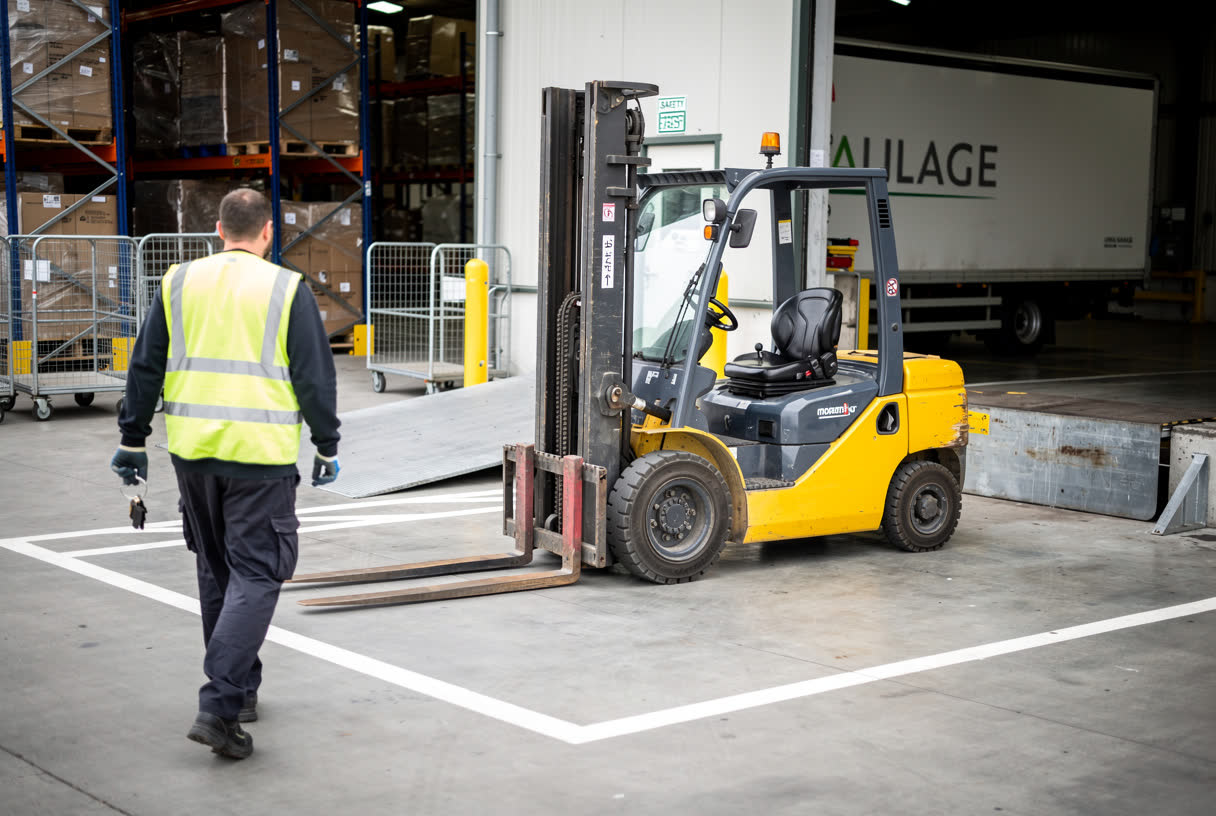
A driveaway is when a vehicle moves off before loading or unloading is complete. It can throw a forklift and its driver off the dock, or crush someone between the vehicle and the bay.

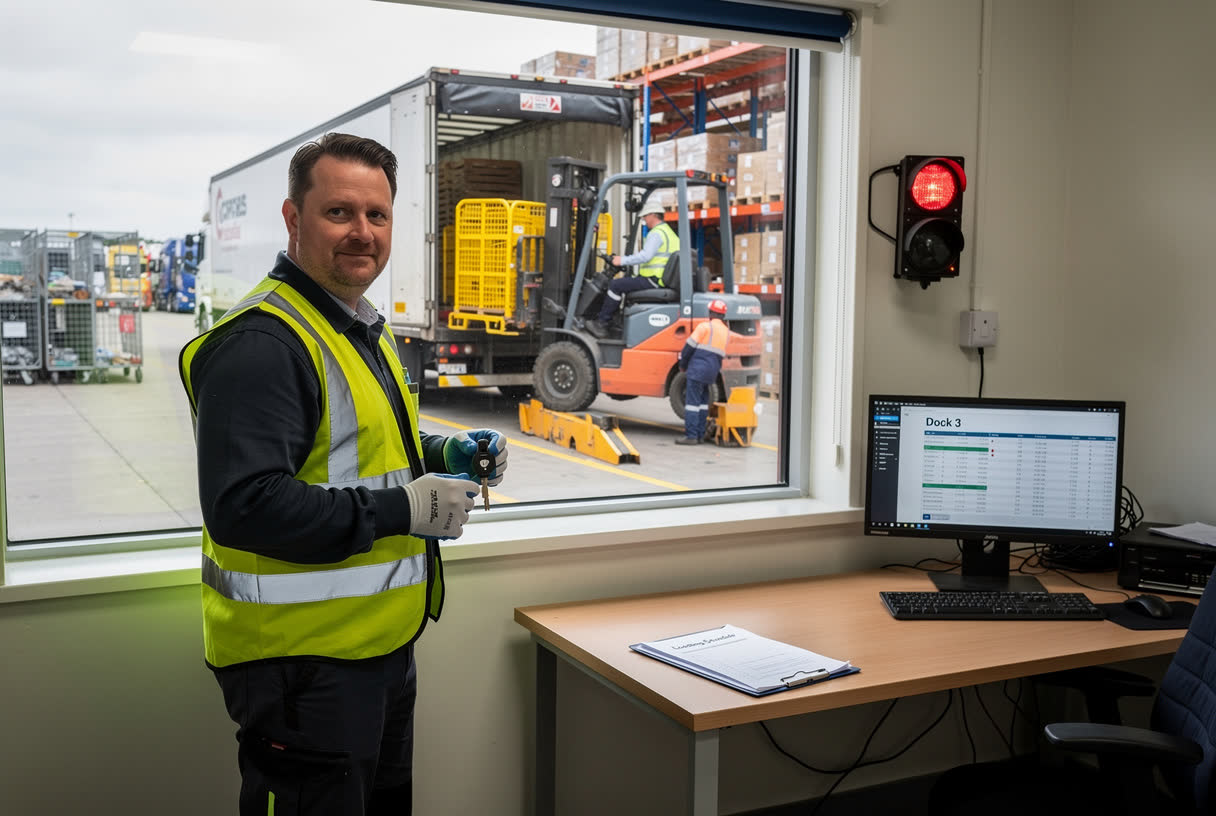
You must have a safe system of work that stops a vehicle from moving, by accident or on purpose, until loading or unloading is finished. This may include:

  • Interlock systems, and vehicle or trailer restraints.
  • Traffic lights at each bay.
  • Supervision.
  • Key custody, where the keys are held until the vehicle is ready to leave.
Coupling and Uncoupling

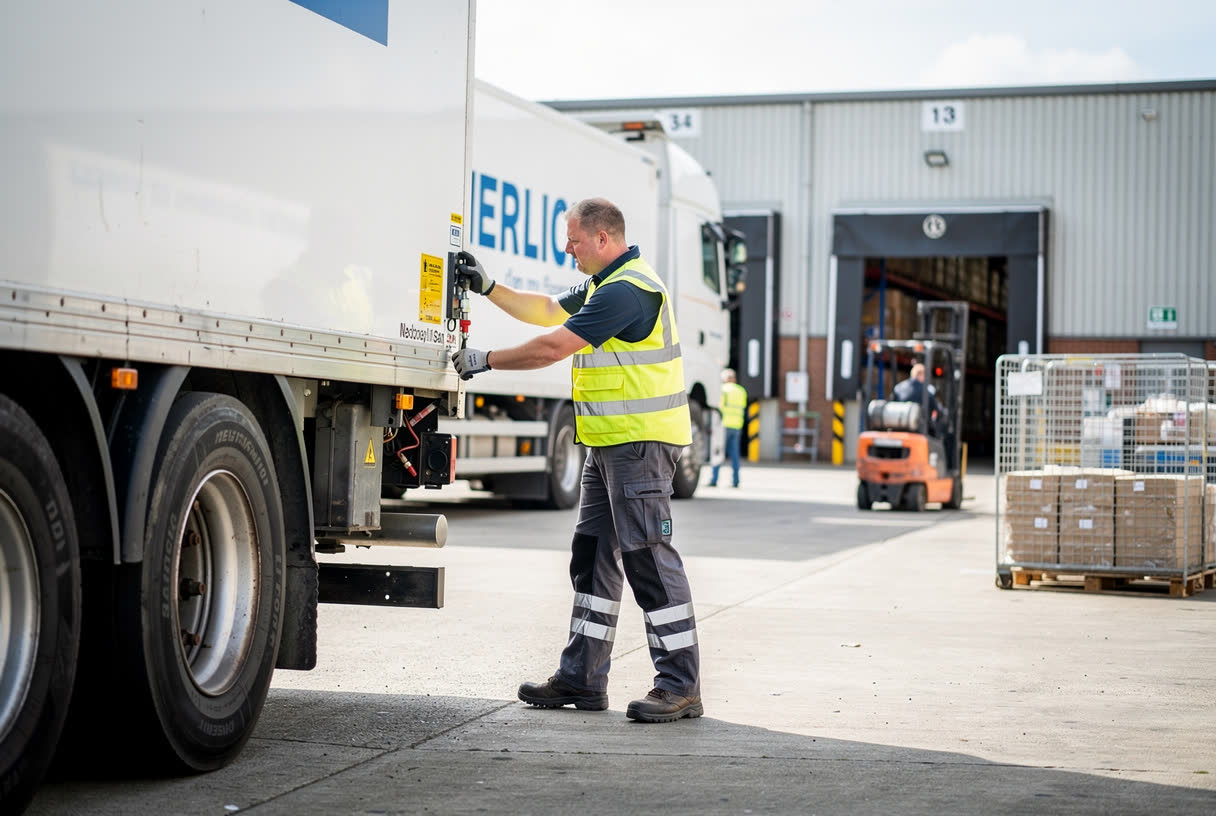
Coupling and uncoupling trailers is a high-risk task. Vehicles and trailers can roll away and crush the people working between them.

  • Always make sure the parking brakes are used, on both the tractor unit and the trailer.
  • Have a procedure for checking that coupling and uncoupling are done safely.
  • Make sure semitrailers are parked with the parking brake correctly applied.
  • Only competent staff should couple and uncouple trailers.
Falls from Vehicles and Tail Lifts

Avoid the need to climb onto vehicles where you can. Otherwise, provide guard rails, handholds, non-slip surfaces and safe access, such as a platform, and use fall restraint equipment as a last resort.

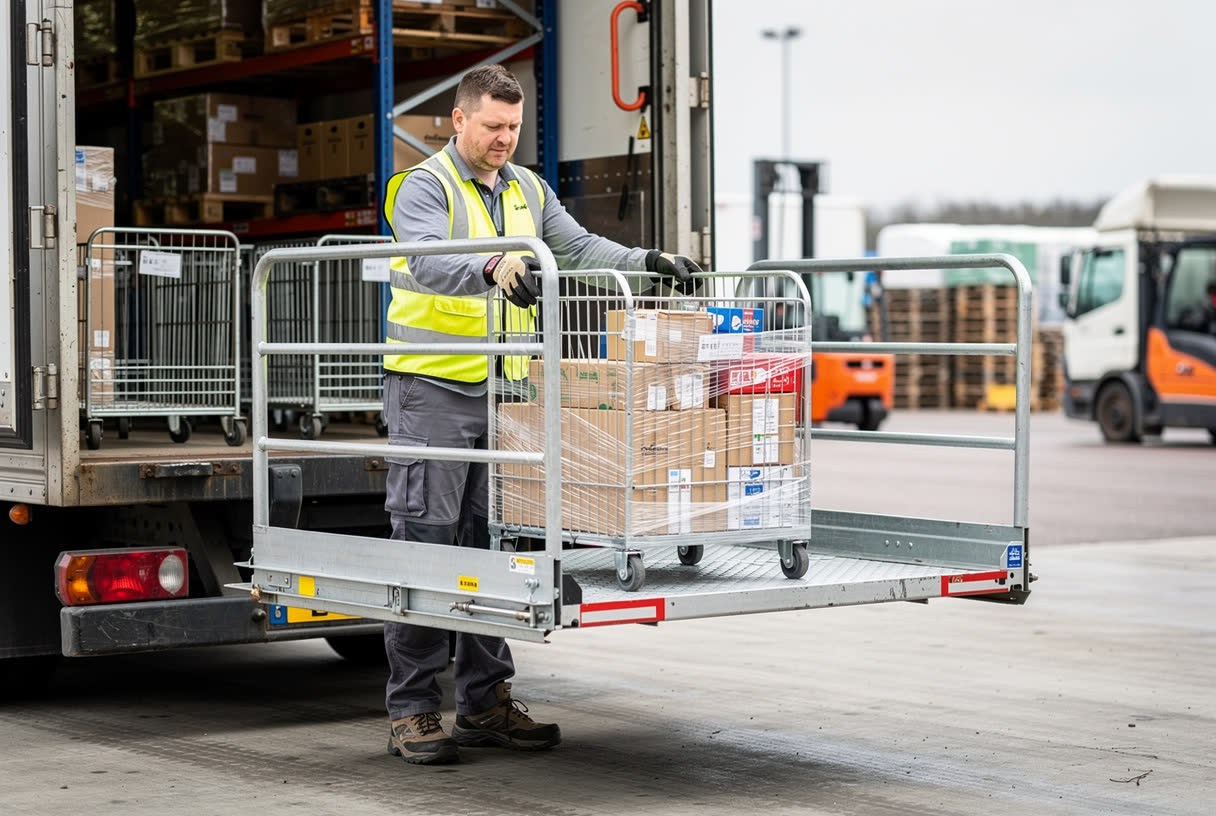
Tail lifts can cause falls from the platform edge, trapped limbs, and loads falling to the ground. To use them safely:

  • Use guard rails, and never exceed the safe working load.
  • Keep the operator able to see the platform at all times.
  • Keep people out from underneath the lift.
  • Stow the platform securely before the vehicle leaves, and keep it well maintained.
Operating Vehicles Safely

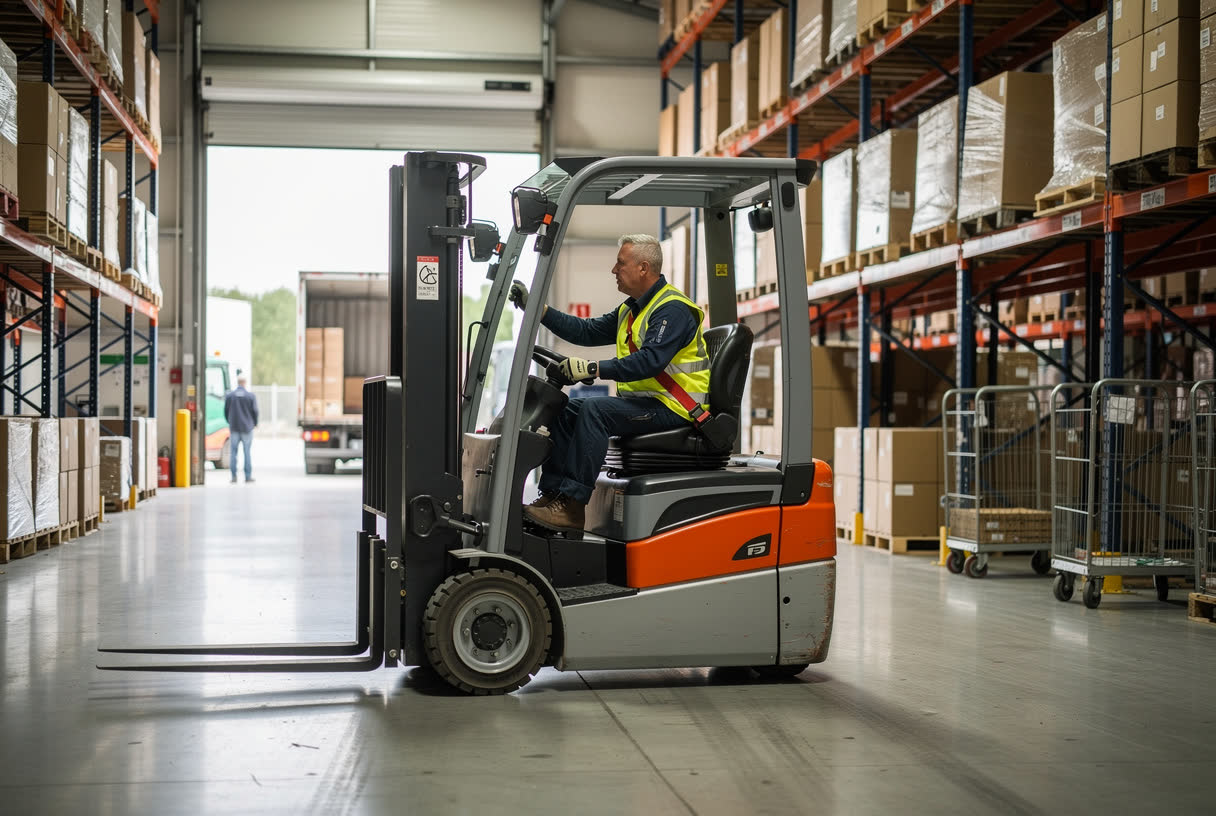
Only people who are trained, competent and authorised, with the right licence or certificate where one is needed, may drive work vehicles. Drivers should:

  • Know the vehicle’s weight and dimensions.
  • Follow site rules, speed limits, height limits and signs.
  • Wear a seat belt where one is fitted.
  • Use mirrors, and reverse with care.
  • Watch for racking, blind spots and pedestrians.
  • Stop work and report any defect immediately.
  • Refuel with the engine off, away from naked flames.

Set speed limits to suit the vehicles, loads, surfaces, layout and pedestrians on each part of the site.

Setting Speed Limits and Keeping Driver Records
Speed limits should reflect the vehicles, loads, road surface, visibility and layout of each route.Lower limits are needed wherever pedestrians are present.Drivers must stop using a faulty vehicle and complete the required records.
Setting Speed Limits and Keeping Driver Records

Speed limits only work if they make sense for each part of the site, so different areas may need different limits. When you set them, consider the type of vehicles that use the route, the loads they carry and how those loads are secured, and the condition of the road surface. Think about visibility, the tightness of bends and how complicated the layout is, as well as any hazards or obstructions along the way.

Most importantly, consider where pedestrians are and how many of them are likely to be nearby, because lower limits are always needed wherever people are on foot. Once limits are set, sign them clearly and enforce them. Drivers have duties too. They must obey speed limits, height restrictions and signs, wear a seat belt, and use their mirrors. If they notice a fault, they must stop using the vehicle immediately and report it. They should also keep the records and complete any documentation the site requires, such as daily check sheets.

Parking
Parking

Parking areas should be level, firm, well lit and clearly marked. Keep staff and visitor cars away from the main traffic flow.

When parking a work vehicle, use the designated area, put the handbrake on, switch the engine off and remove the key. Forklift forks and other mounted equipment must be lowered to the ground.

If a vehicle must be parked on a slope, apply the parking brake, leave it in gear where this is safe, and use wheel chocks where appropriate. Trailers must be securely braked before they are disconnected.

Inspection and Maintenance

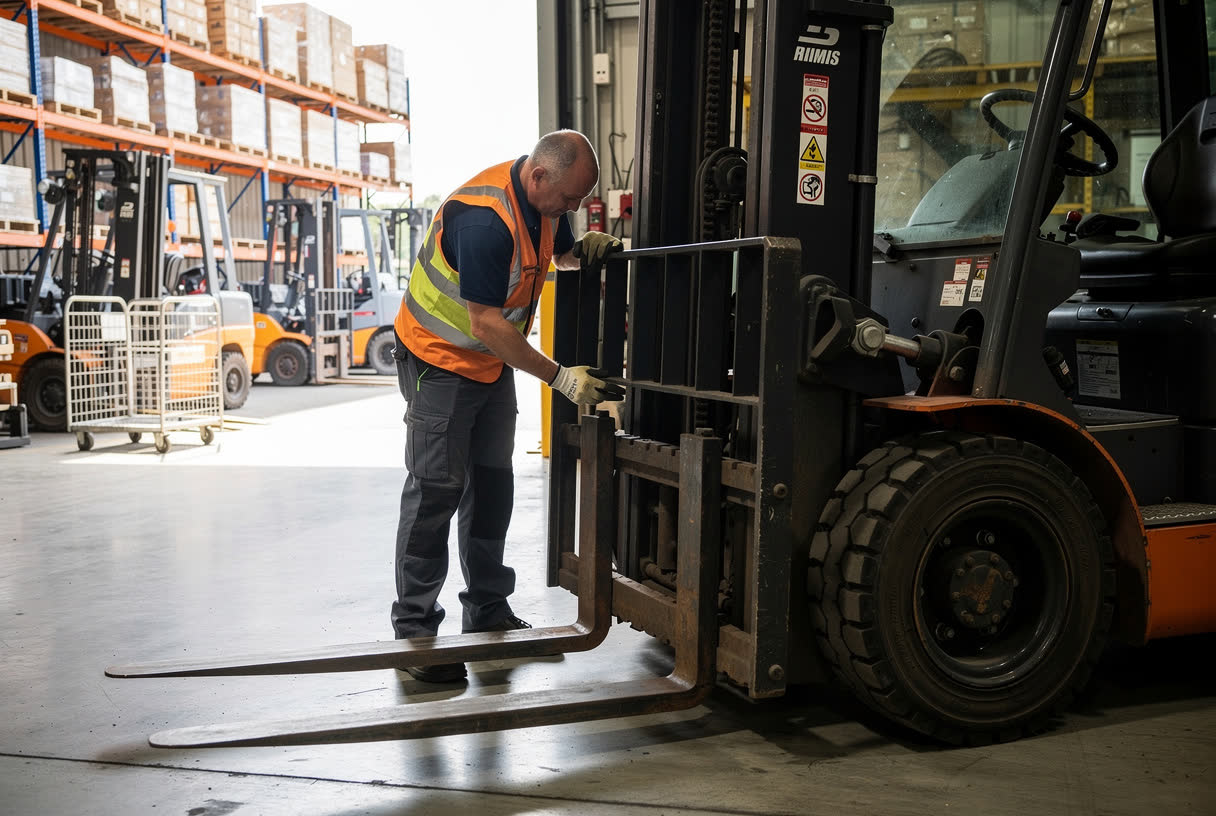
The Provision and Use of Work Equipment Regulations 1998, known as PUWER, require all work equipment, including vehicles, to be maintained in good working order and repair.

Drivers should check vehicles for obvious defects before use, and a competent person should inspect them more formally at regular intervals. Checks include:

  • Tyres, and tyre pressures.
  • Brakes, lights, indicators and horn.
  • Mirrors, windscreen and wipers.
  • Fuel, oil, water and brake fluid.

Repairs must be done by a suitably qualified person.

Summary

In this module, you have learned that:

Vehicles and pedestrians must be kept apart, and reversing is one of the most dangerous vehicle movements.

Dock levellers bridge the gap to a vehicle, and a safe system of work must prevent driveaways.

Parking brakes must always be used when coupling, and a parked vehicle must have its handbrake on, engine off and key removed.

In the next module, we will look at safe storage.

Knowledge Check
What does the term driveaway mean in loading bay safety?
Select one answer, then press Check.
A vehicle leaving the site without signing out
A vehicle moving off before loading or unloading is complete
A forklift being driven outside the warehouse
A driver refusing to wait while goods are unloaded
Correct. A driveaway is when a vehicle moves off before loading or unloading is complete, so a safe system must stop it moving until the work is finished.
Not quite. Think about what could happen at the loading bay while a forklift is still working inside the trailer. Try again.
Next Module →Answer the question to unlock the next module.
Page 1 of 21