← Exit
Module 3 · Manual Handling, Hazardous Substances and DSE0% complete · 14 slides left
Office Safety
Office Safety
Module 3
This course contains audio. Use headphones in public places.
Introduction
Introduction

In this module, you will look at three more common office risks.

Poor manual handling can cause serious injuries, and so can careless use of hazardous substances, such as cleaning chemicals. You will learn how to handle objects and chemicals safely.

You will also learn about display screen equipment, or DSE, such as computers and laptops. A desk may not look hazardous, but if it is badly set up, it can cause real discomfort and pain over time.
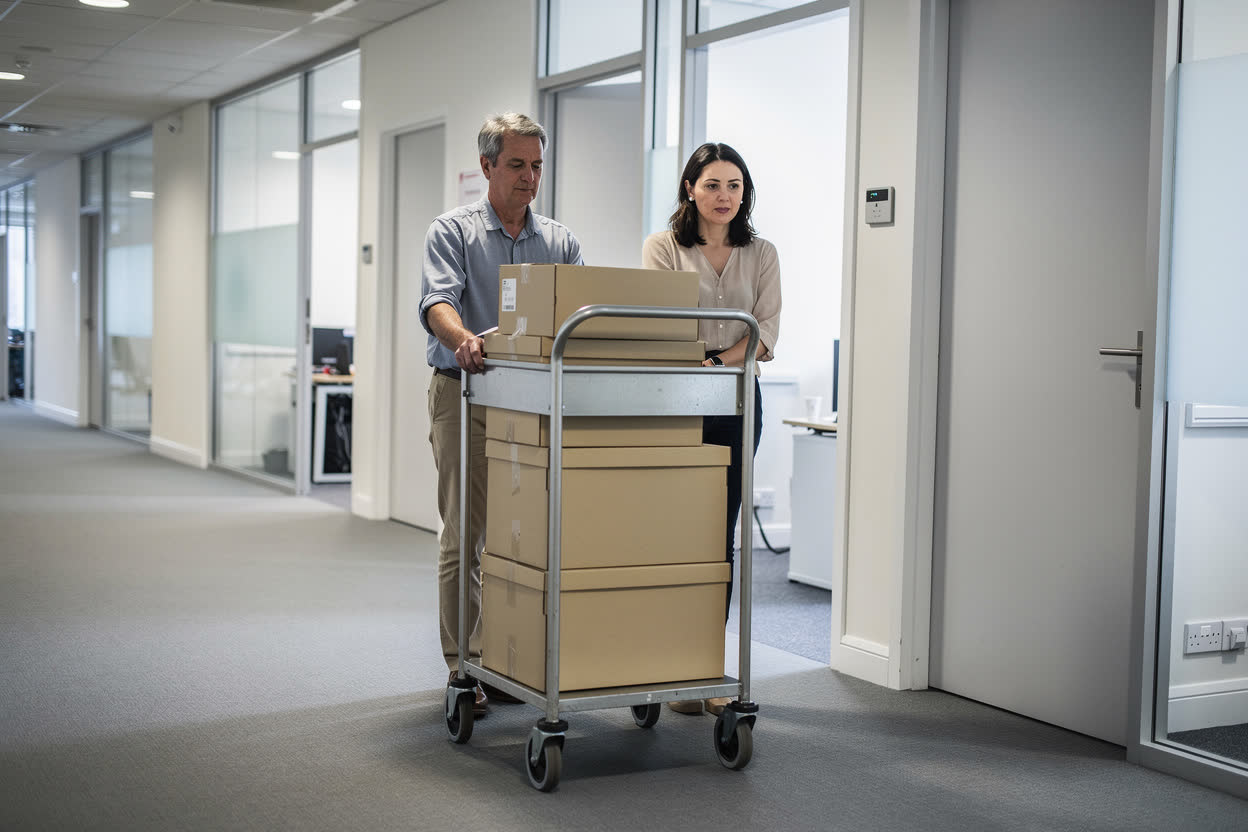
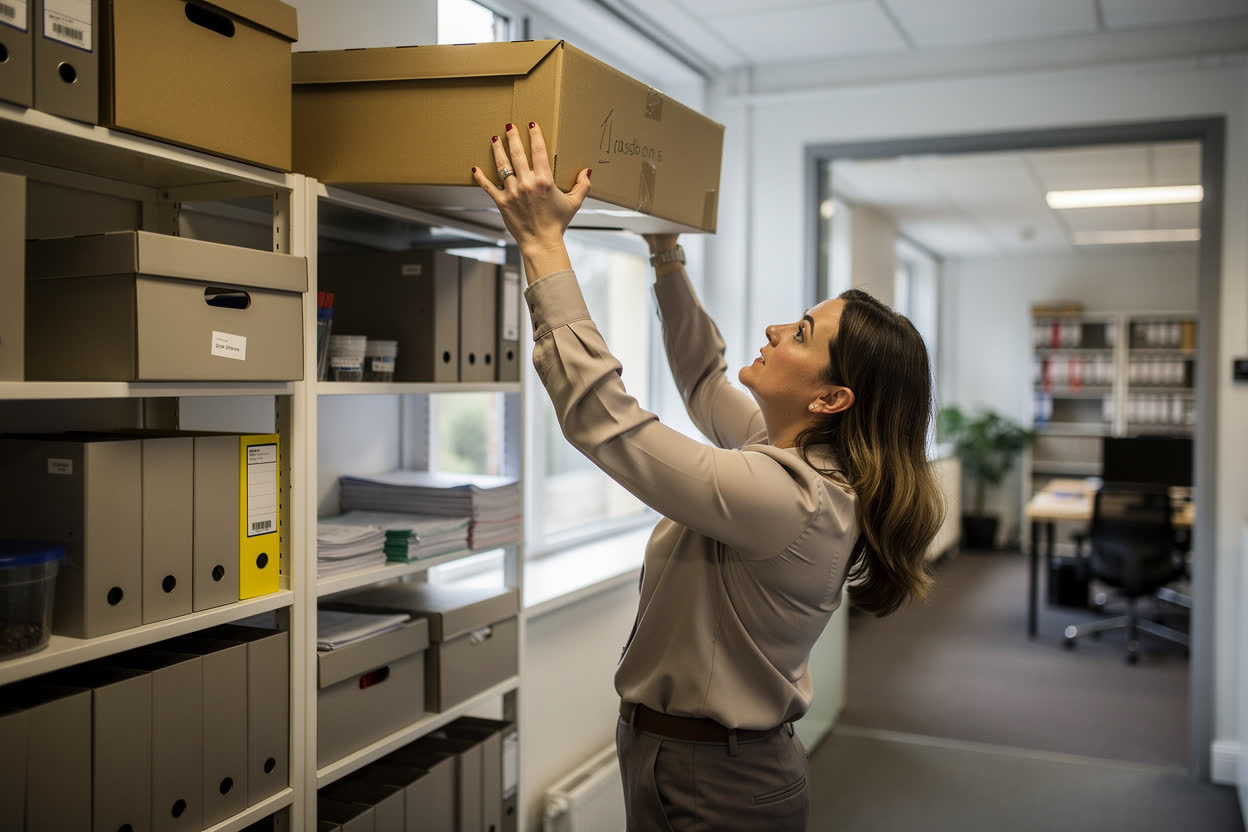
Manual Handling
Manual Handling

The Health and Safety Executive, or HSE, defines manual handling as transporting or supporting a load by hand or by bodily force. This includes lifting, putting down, carrying, pushing, pulling and moving a load.

In an office, you might lift a box, carry files downstairs, push a trolley or move a desk. Done badly, any of these can cause musculoskeletal disorders, or MSDs, such as back injuries, muscle strains and tendon problems.

When Injuries Are More Likely

You are more likely to be injured if:

  • You lift and put down objects many times.
  • You carry or push an object a long distance.
  • You lift something above shoulder height, or lower it from head height.
  • The object is especially heavy, bulky or awkwardly shaped.
  • You have to twist, bend or stretch while handling it.
  • Your posture is awkward while you move it.
  • You already have an injury, such as back pain.
Reducing the Risk
Reducing the Risk

Under the Manual Handling Operations Regulations 1992, your employer must avoid risky manual handling where possible, and reduce the risk where it cannot be avoided. You can help by:

  • Breaking a heavy or bulky load into smaller, more manageable loads.
  • Storing the heaviest items on shelves at waist height, so they do not have to be lifted from the floor or lowered from a height.
  • Avoiding stairs, closed doors and uneven floors when moving things.
  • Asking for help, or using a trolley, when a load is too heavy for you.
Safe Lifting
Safe Lifting
  • Plan the lift. Think about the weight, whether you need help, where the load is going, and whether there is enough space.
  • Get a good posture. Stand with your feet slightly apart, and bend at the hips and knees, keeping your back in its natural curve.
  • Get a secure grip. Hold the load close to your waist, with the heaviest side closest to your body.
  • Move smoothly. Do not twist your back, keep your head up, and look where you are going.
Knowledge Check
When carrying a heavy or unbalanced object, what should you do?
Select one answer, then press Check.
Move it as quickly as possible
Keep the heaviest side furthest from your body
Keep the heaviest side closest to your body
Bend your knees only, and keep your arms straight out
Correct. Keeping the heaviest side close to your body reduces the strain on your back.
Not quite. The further a load is from your body, the more strain it puts on your back. Try again.
Hazardous Substances

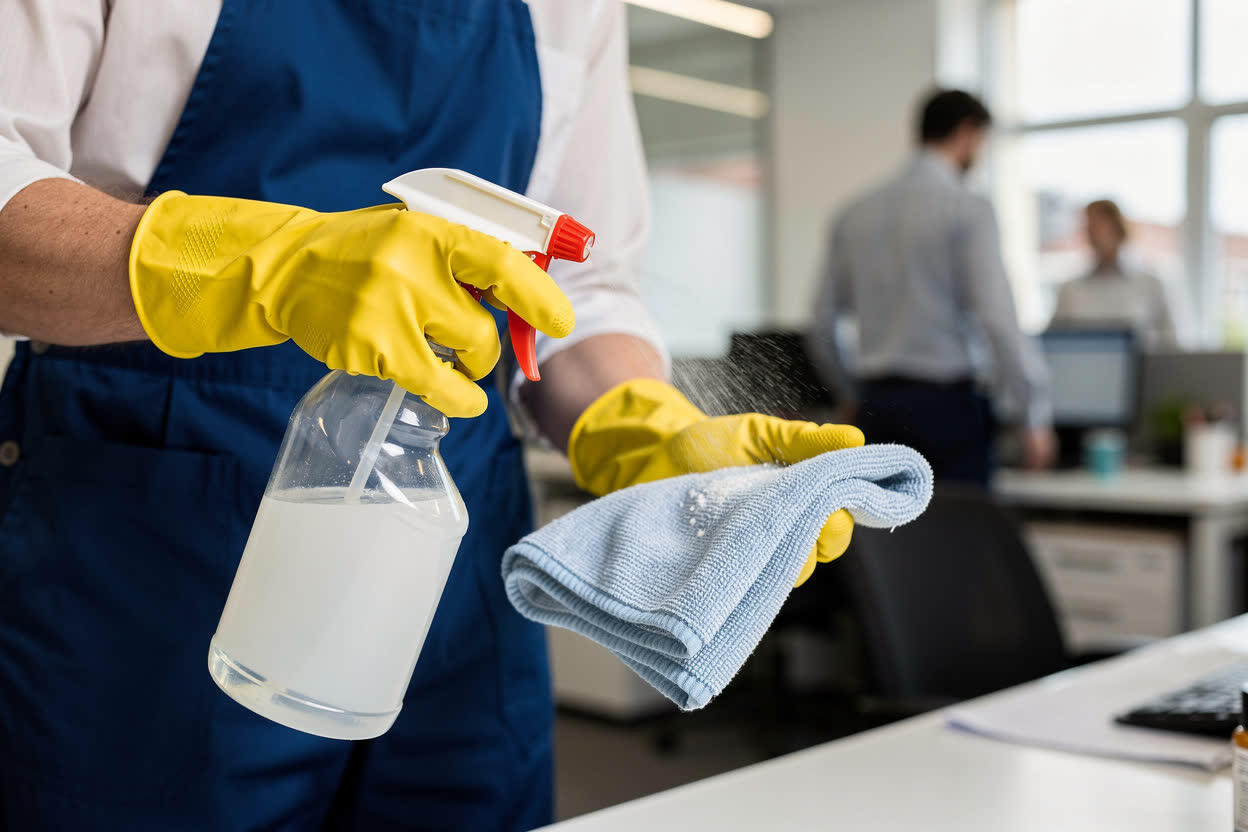
Hazardous substances are found in every workplace, including offices. Examples include cleaning chemicals, solvents in printer and copier supplies, and toner dust.

Breathing them in, or getting them on your skin or in your eyes, can cause irritation. Common effects include itchy rashes, dermatitis and asthma.

Your employer must assess and control these risks under the Control of Substances Hazardous to Health Regulations 2002, known as COSHH.

Using Substances Safely

You can reduce the risks from hazardous substances by:

  • Using the smallest amount of cleaning product needed.
  • Keeping the area well ventilated, for example by opening a window while cleaning.
  • Storing chemicals in their original containers, with the lids secured.
  • Placing printers and copiers in well-ventilated spaces.
  • Washing your hands promptly if you get chemicals, ink or toner on your skin.
  • Reporting spills straight away.
  • Wearing the PPE your employer provides, such as gloves or eye protection.
Display Screen Equipment

Display screen equipment, or DSE, means any device with a display screen, such as desktop computers, laptops and tablets. Most office workers use DSE for much of the day.

A poor set-up can cause musculoskeletal disorders, repetitive strain injuries, eye strain and fatigue. Sitting for long periods is also linked to other health problems.

Under the Health and Safety (Display Screen Equipment) Regulations 1992, your employer must assess your workstation, plan breaks or changes of activity, and provide an eye test on request.

Setting Up Your Workstation
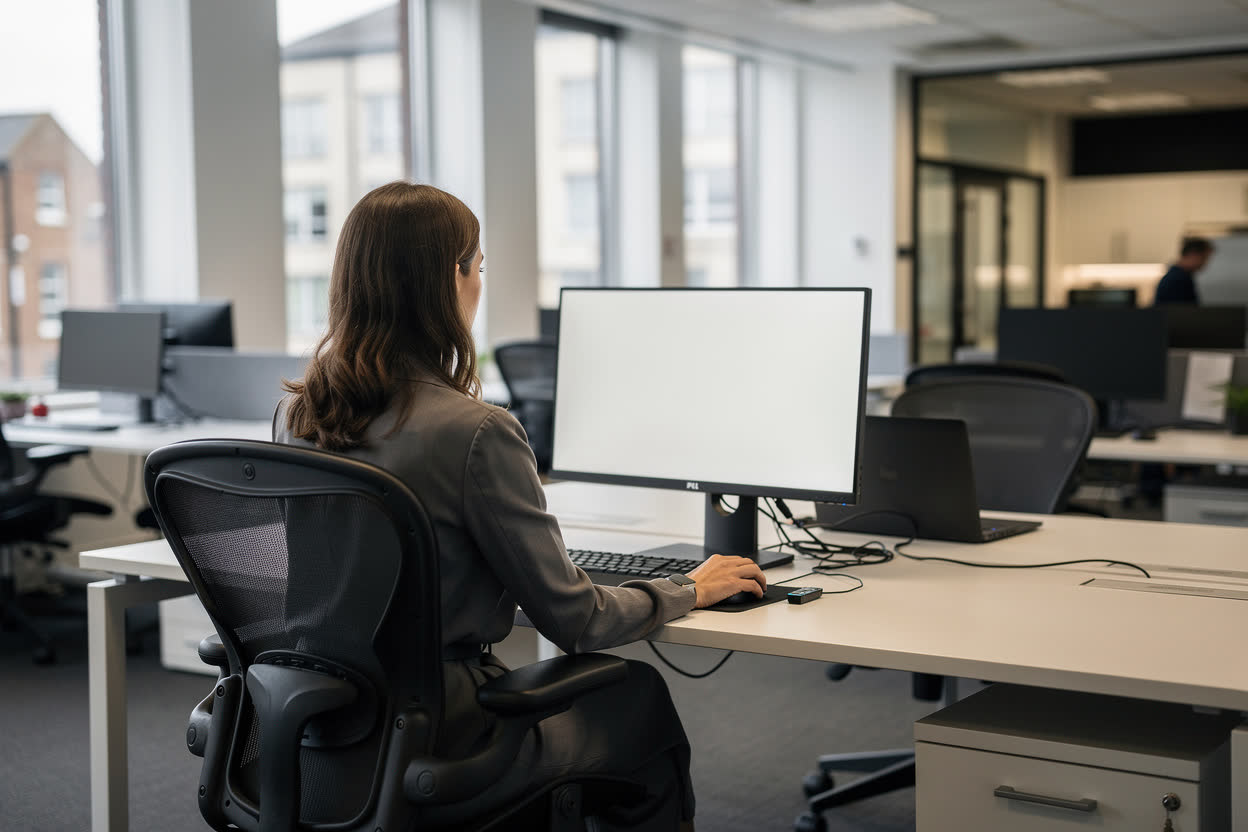
  • Screen: position it directly in front of you, roughly an arm’s length away, with the top of the screen at about eye level.
  • Keyboard: place it so that the G, H and B keys are centred with your body. Leave space in front of it to rest your forearms, so you do not stretch to reach the keys.

If you use a laptop for long periods, use a separate keyboard, mouse and laptop stand, so that the screen can be raised to the right height.

Your Mouse and Chair
  • Mouse: keep it close, within easy reach, so that your arm and fingers stay relaxed and you do not stretch. Make sure there is room to rest your wrist.
  • Chair: adjust it so that your feet are flat on the floor, with your knees at about a 90 degree angle, level with your hips. Use a footrest if your feet do not reach the floor.
  • Back support: make sure the chair supports the lower part of your back.
Healthy Habits at Your Desk
  • Adjust the brightness and contrast of your screen, and position it to avoid glare.
  • Break up repetitive tasks, such as constant scrolling or copying, with other work.
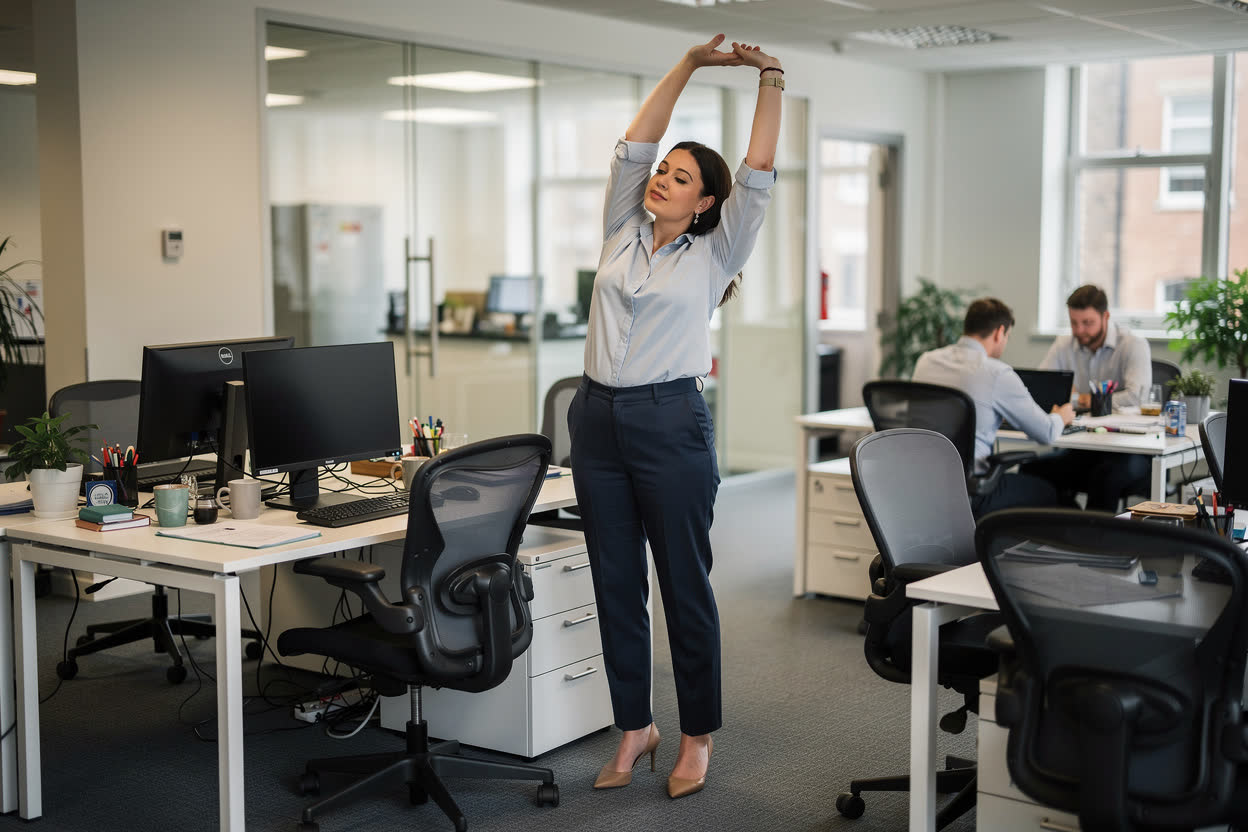
  • Change your position and stretch at least every hour, so that you are not still for too long.
  • Take regular breaks away from your desk. Even a short walk helps your circulation.
  • Tell your manager about any problems with lighting, heating or ventilation.
Summary

In this module, you have learned that:

Store heavy items at waist height, and carry loads with the heaviest side closest to your body.

Hazardous substances, such as cleaning chemicals, can cause itchy rashes or dermatitis, so use them carefully.

Set your screen at about arm’s length, centre the keyboard, and sit with your knees at 90 degrees and feet flat on the floor.

In the next module, we will look at stress, welfare provisions and first aid.

Knowledge Check
How should your keyboard be positioned on the desk?
Select one answer, then press Check.
With the G, H and B keys centred with your body
Angled to one side, so your wrists turn slightly
At the far edge of the desk, away from you
With the Enter key centred with your body
Correct. Centre the G, H and B keys with your body, and leave room to rest your forearms.
Not quite. Your wrists should stay straight, and you should not have to stretch. Try again.
Next Module →Answer the question to unlock the next module.
Page 1 of 15